For shops in Iraq · Arabic first
Your online store, built for selling in Iraq
Open your shop, take cash-on-delivery orders and run everything from one dashboard, Arabic first.
- Cash on delivery
- A delivery rate per governorate
- Arabic first
- No code
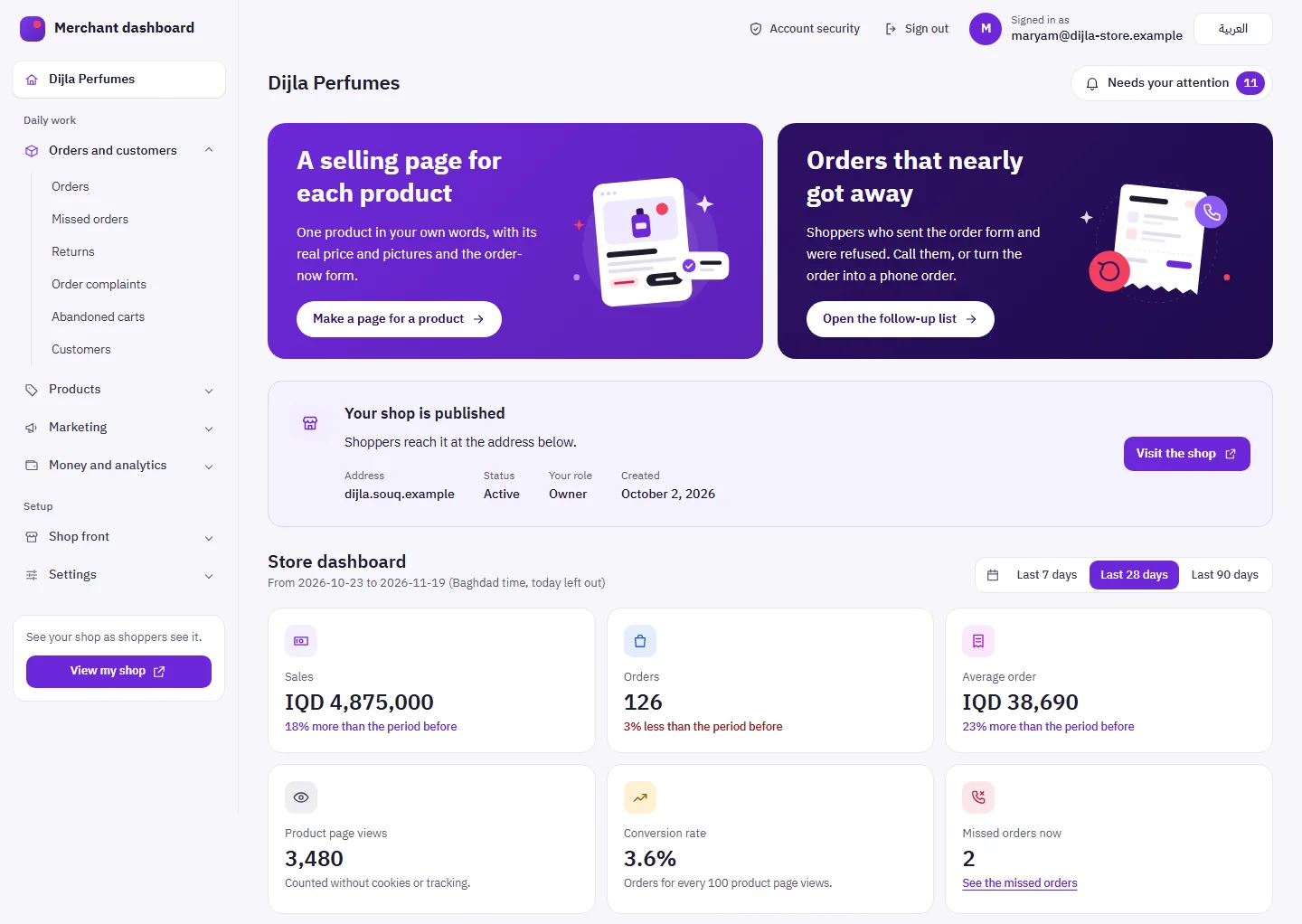
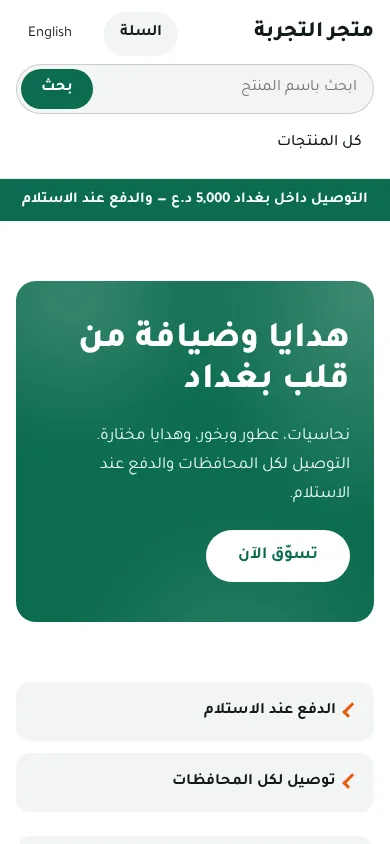
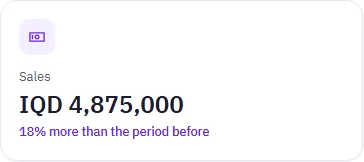
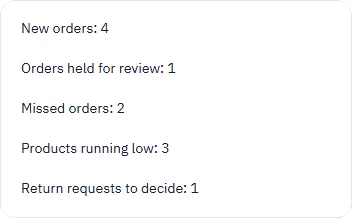
Real screens from the product, with sample data.
The shop
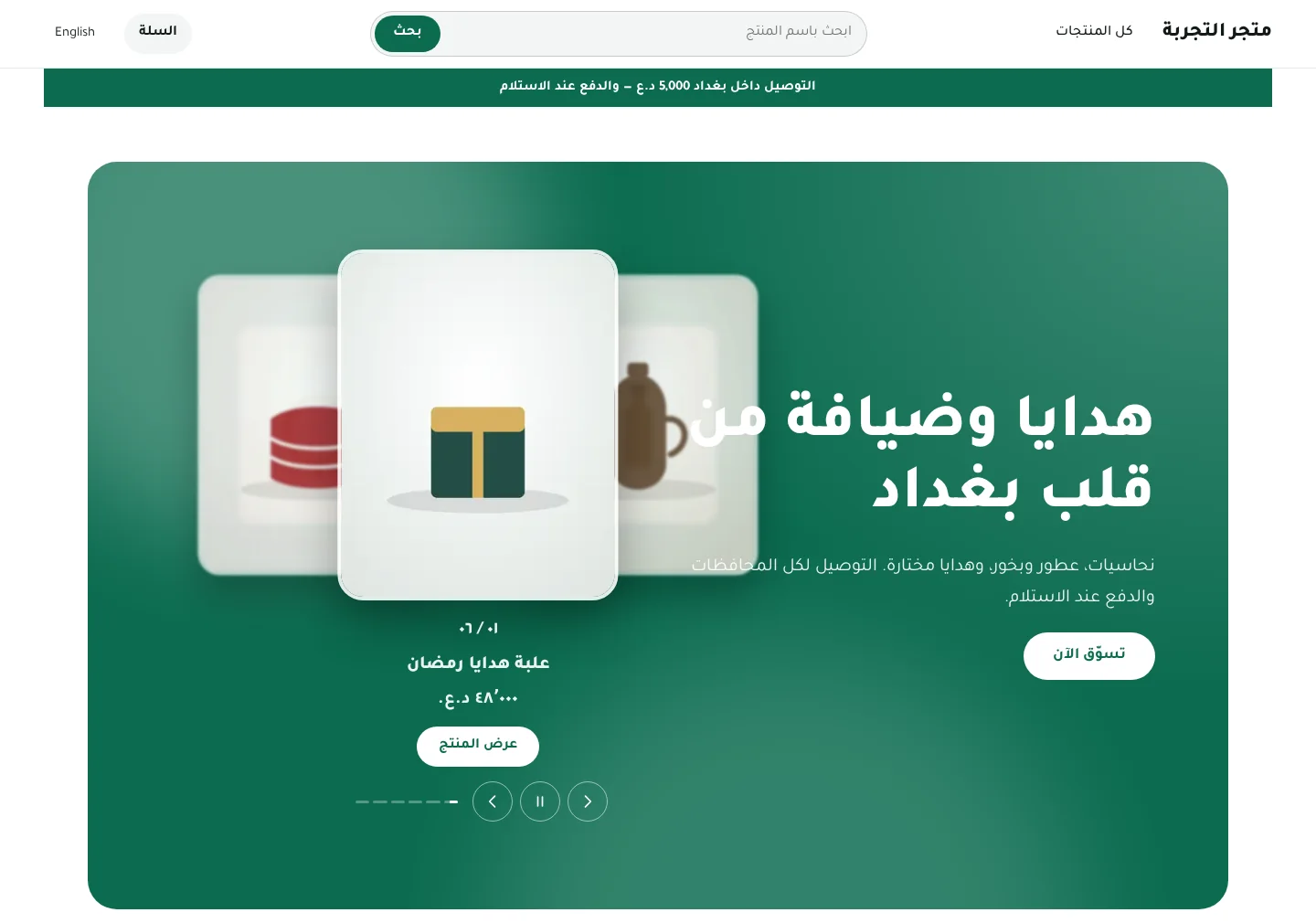
The shop your customers see
Ready themes you adjust in a visual editor: colours, sections and pictures. Save your changes and publish when you are ready.
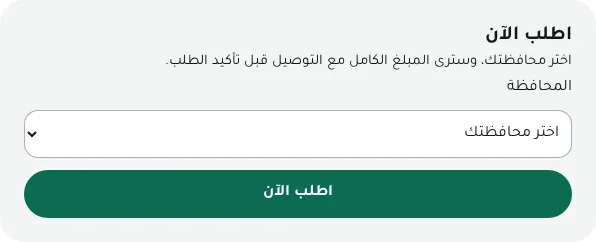
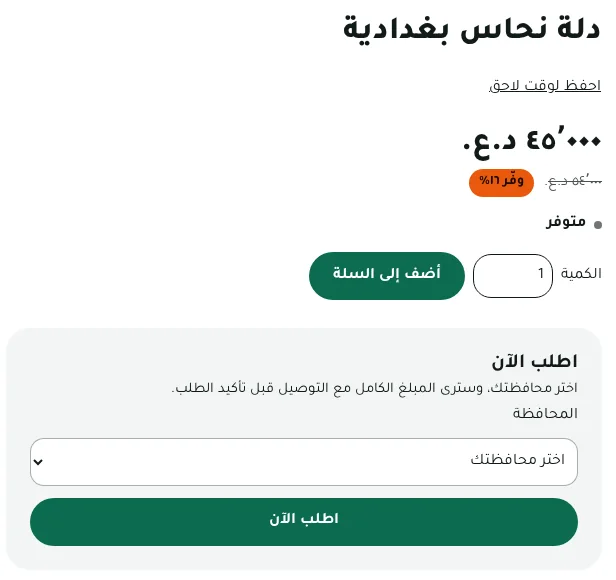
One-page Order now
The customer picks a governorate and sees the full amount with delivery before confirming.
Delivery or pickup
A delivery rate for each governorate, and pickup from your shop if you offer it.
Arabic first, made for phones
The shop reads right to left in Arabic, with English alongside, and fits a phone screen.
The dashboard
Everything your shop runs on, in one dashboard
From the first product you add to the last order you hand over.
Orders desk
Update several orders at once, enter phone orders yourself and follow up missed orders. What needs you shows first.
A selling page per product
A landing page for one product, in your words, with its pictures and the Order now form, plus an extra offer after the order.
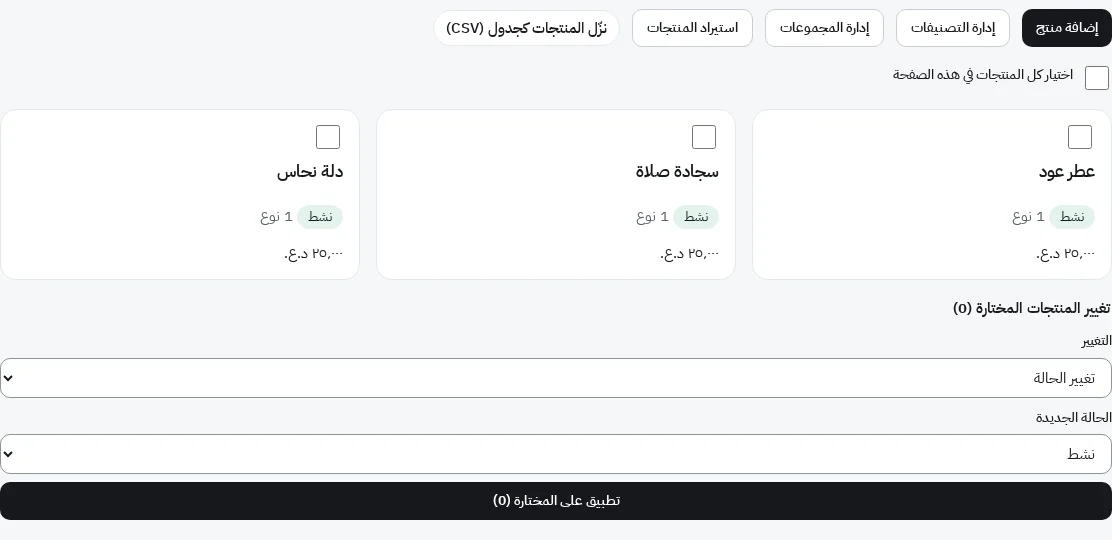
Products and stock
Options such as colour and size, stock for each option, bundles and quantity offers, and changes to many products at once.
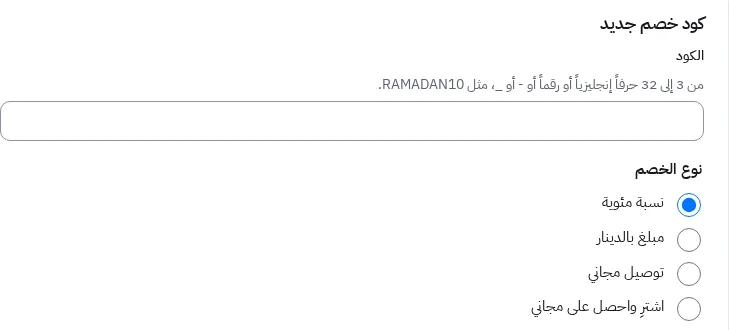
Coupons and offers
Codes for a percentage, an amount, free delivery or buy-and-get, automatic offers, and a list of carts left behind to follow up.
- Baghdad
- Basra
- Nineveh
- Erbil
- Sulaymaniyah
- Duhok
- Halabja
- Kirkuk
- Anbar
- Babil
- Karbala
- Najaf
- Wasit
- Diyala
- Saladin
- Dhi Qar
- Maysan
- Muthanna
- Al-Qadisiyyah
Delivery and cash on delivery
Delivery zones with a rate for each of the 19 governorates, pickup from your shop, and the cash collected on delivery reconciled.
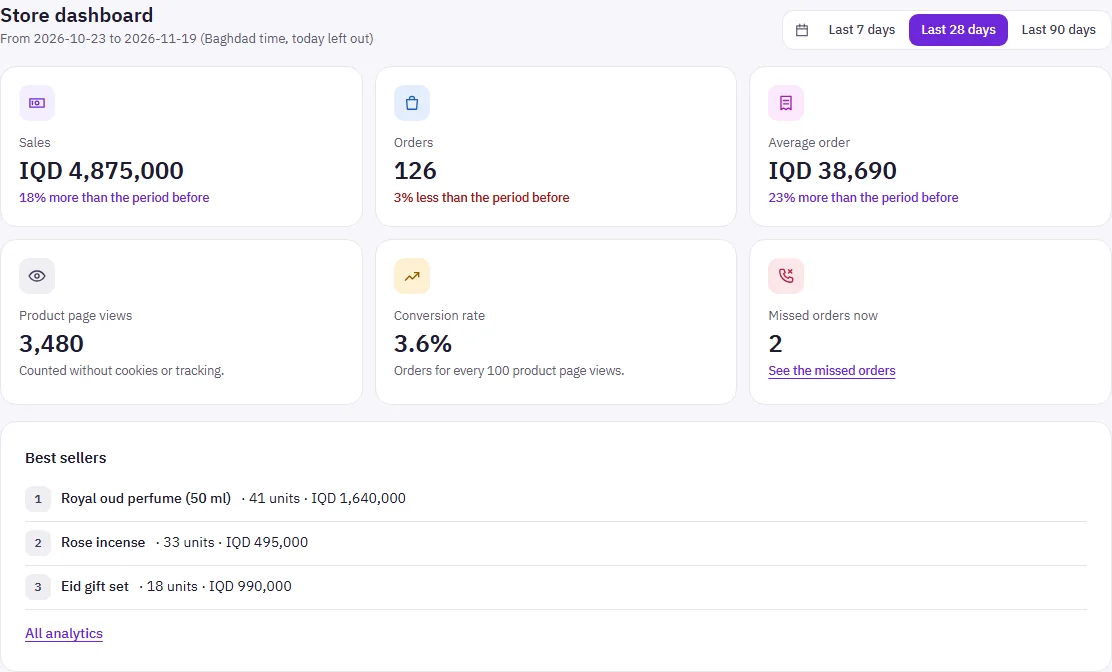
Analytics
Sales, the purchase funnel, returns and profit, and your best sellers for the period you pick.
Also in the dashboard
- Customer segments
- Loyalty points
- Returns
- A blog for the store
- Team members with roles
- Arabic and English
Everything you get
All of your shop's tools, in one place
Everything on this list is in the merchant dashboard, in four groups.
Selling and marketing
Tools that bring customers to your shop, and bring them back.
A landing page per product
A selling page for one product, with an extra offer after the order.
Discount codes
A percentage, an amount, free delivery or buy X get Y.
Automatic offers
The cart applies the best offer by itself, with a cap you set.
Quantity offers
A discount on each unit when the customer buys more.
Product bundles
Products added to the cart together in one tap.
Carts left behind
Shoppers who asked you to keep their cart, to contact.
Missed orders
Call shoppers whose order did not go through, or make it a phone order.
Campaign links
Links with UTM tags for each ad, so its sales are credited to it.
Product feeds
Your products as feeds for Google and Meta catalogues.
Newsletter
A signup box in the shop, and the list to download.
"Recently ordered" note
From real orders only, never the customer's name.
Customer segments
Groups of your customers by orders and spending.
Loyalty points
Points on orders that you spend for the customer on a later order.
Shop blog
Articles with their own search title and description.
Social links
Your social pages at the bottom of the shop.
Offer end time
A landing page shows shoppers when the offer ends.
Orders and delivery
From the moment an order arrives to delivery and cash in hand.
Orders desk
Search, filter and change many orders at once.
Phone and draft orders
Enter orders yourself and keep a draft until it is confirmed.
Notes and alerts
A note on each order, and email alerts by rules you set.
Order protection
Orders from numbers you watch wait for your review.
Cash on delivery
Match the cash couriers collected against delivered orders.
Delivery zones
A rate for each of the 19 governorates.
Delivery day
The shopper picks a delivery day from the days you set.
Pickup from your shop
Customers collect their order from your shop.
Returns and exchanges
Return requests, and exchanges on the same order.
Invoice and label
Print them for one order or many at once.
Shop and products
A shop that looks like your brand, and products shown your way.
Themes and a visual editor
Change colours and fonts, then publish when ready.
Home page sections
Arrange the sections, or hide the ones you skip.
Options and stock
Colour and size, with stock for each option.
Product display
Order now only, hide quantity, a sticky button, free delivery.
Swatches and buttons
Shoppers pick an option by colour or button.
Import and export
Bring products in from a spreadsheet, and out again.
Barcodes
Find a product by its barcode number.
Product reviews
Buyers write them after delivery; you decide what shows.
Shop pages
Pages you write yourself, such as a returns policy.
Your own domain
Connect your domain name to the shop.
Arabic and English
Right to left first, with English alongside.
Figures and team
Know what is happening in your shop, and work safely with your team.
Sales dashboard
Compared with the period before, over 7, 28 or 90 days.
Purchase funnel
From product view to order, and where shoppers stop.
Profit report
Cost of goods, margin and profit.
Returns and losses
Reports of what came back and what it cost you.
Stock forecast
Days left for each product, and low-stock alerts.
Daily summary
Your day beside the same day last week.
Ad spend
What you spent per source, beside the orders it brought.
Team and roles
Add members with different roles.
Activity log
Who changed what, and when.
Two-step sign-in
A code from an app on your phone after the password.
Getting started
From sign-up to your first order in three steps
Create your account
Sign up with your email address and open your first store.
Set up your shop
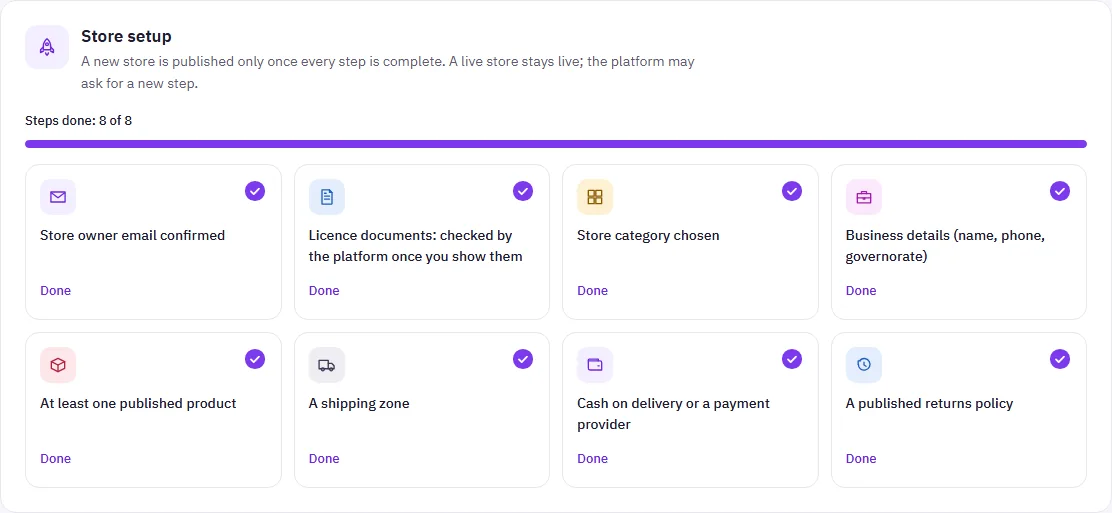
Add products, pick a theme, and set delivery and payment. A checklist shows what is left before you publish.
Publish and take orders
Share your shop link and follow every order in the orders desk.
Pricing
A percentage commission on orders
You pay a share of your orders. We will announce the rate and the details later.